# IFTTT Errors
**URL:** https://community.garadget.com/t/ifttt-errors/4103
**Category:** SmartHome Integration
**Created:** [June 13, 2018, 6:41am UTC](https://community.garadget.com/t/ifttt-errors/4103 "2018-06-13T06:41:23Z")
**Posts on this page:** 19
**Page:** 1
### Author:  [@TheMerg](https://community.garadget.com/u/TheMerg)
#### Post date: [June 13, 2018, 6:41am UTC](https://community.garadget.com/t/ifttt-errors/4103/1 "2018-06-13T06:41:23Z")
Is anyone else having issues with IFTTT integration not working now? It looks like that as of 6/11 all of my applets for Garadget in IFTTT have stopped working. When I view the status of the applets, it just says there was an error.
Anyone have any thoughts on how to get it working again?
Thanks,
Merg
---
### Author:  [@garadget](https://community.garadget.com/u/garadget)
#### Post date: [June 13, 2018, 7:11am UTC](https://community.garadget.com/t/ifttt-errors/4103/2 "2018-06-13T07:11:38Z")
Merg,
Are you able to [re-authenticate](https://ifttt.com/services/garadget/settings) your Garadget account with IFTTT?
---
### Author:  [@Landrover360](https://community.garadget.com/u/Landrover360)
#### Post date: [June 13, 2018, 10:34am UTC](https://community.garadget.com/t/ifttt-errors/4103/3 "2018-06-13T10:34:58Z")
Yup I had the same issue this morning. Been perfect for months and then this morning had it say it was opening and closing all morning around 5am EST. Got an email that my applet has been turned off. When I went and “checked the applet said there was issue with applet trigger.
---
### Author:  [@Landrover360](https://community.garadget.com/u/Landrover360)
#### Post date: [June 13, 2018, 10:40am UTC](https://community.garadget.com/t/ifttt-errors/4103/4 "2018-06-13T10:40:19Z")
It looks like under one of the applets. For example , notify when garage is closed. In the section where you select trigger. I can’t select anything and it says no trigger found in the little pull down box. As such, the applet won’t run because it doesn’t know what trigger.
Super odd it’s not “updating” to allow me to add my trigger.
---
### Author:  [@garadget](https://community.garadget.com/u/garadget)
#### Post date: [June 13, 2018, 10:43am UTC](https://community.garadget.com/t/ifttt-errors/4103/5 "2018-06-13T10:43:31Z")
The integration tests come through without any issues. Please try re-authenticating the service on the chance that the previous auth token got expired.
---
### Author:  [@Landrover360](https://community.garadget.com/u/Landrover360)
#### Post date: [June 13, 2018, 10:45am UTC](https://community.garadget.com/t/ifttt-errors/4103/6 "2018-06-13T10:45:41Z")
I’m New to having issues (been a long time since I’ve had issues)… I’ve never had issues since first day I bought it). To reauthenicate, is that just sliding the authenticate slider and then using my password or Touch ID (on iPhone)?
---
### Author:  [@garadget](https://community.garadget.com/u/garadget)
#### Post date: [June 13, 2018, 10:48am UTC](https://community.garadget.com/t/ifttt-errors/4103/7 "2018-06-13T10:48:36Z")
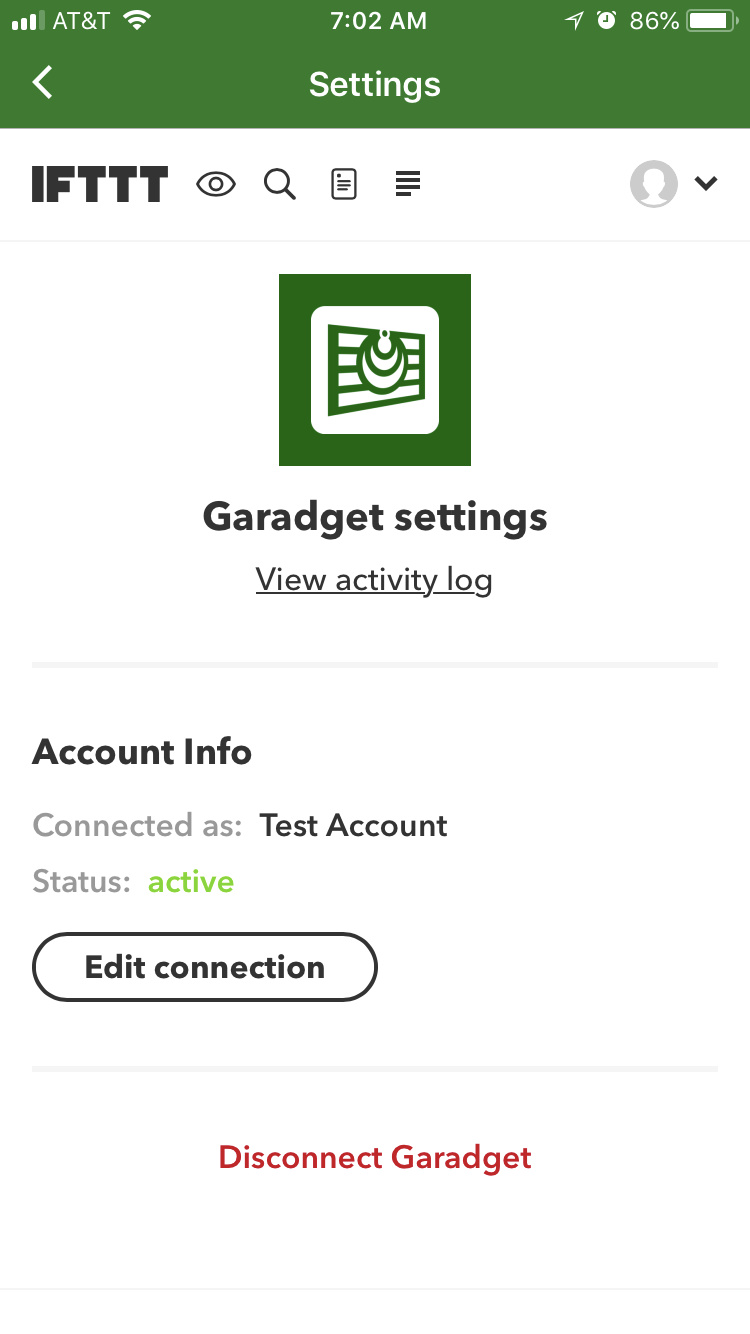
To re-authenticate please visit [https://ifttt.com/services/garadget/settings](https://ifttt.com/services/garadget/settings) and click on “Edit Connection”
---
### Author:  [@Landrover360](https://community.garadget.com/u/Landrover360)
#### Post date: [June 13, 2018, 11:03am UTC](https://community.garadget.com/t/ifttt-errors/4103/8 "2018-06-13T11:03:27Z")
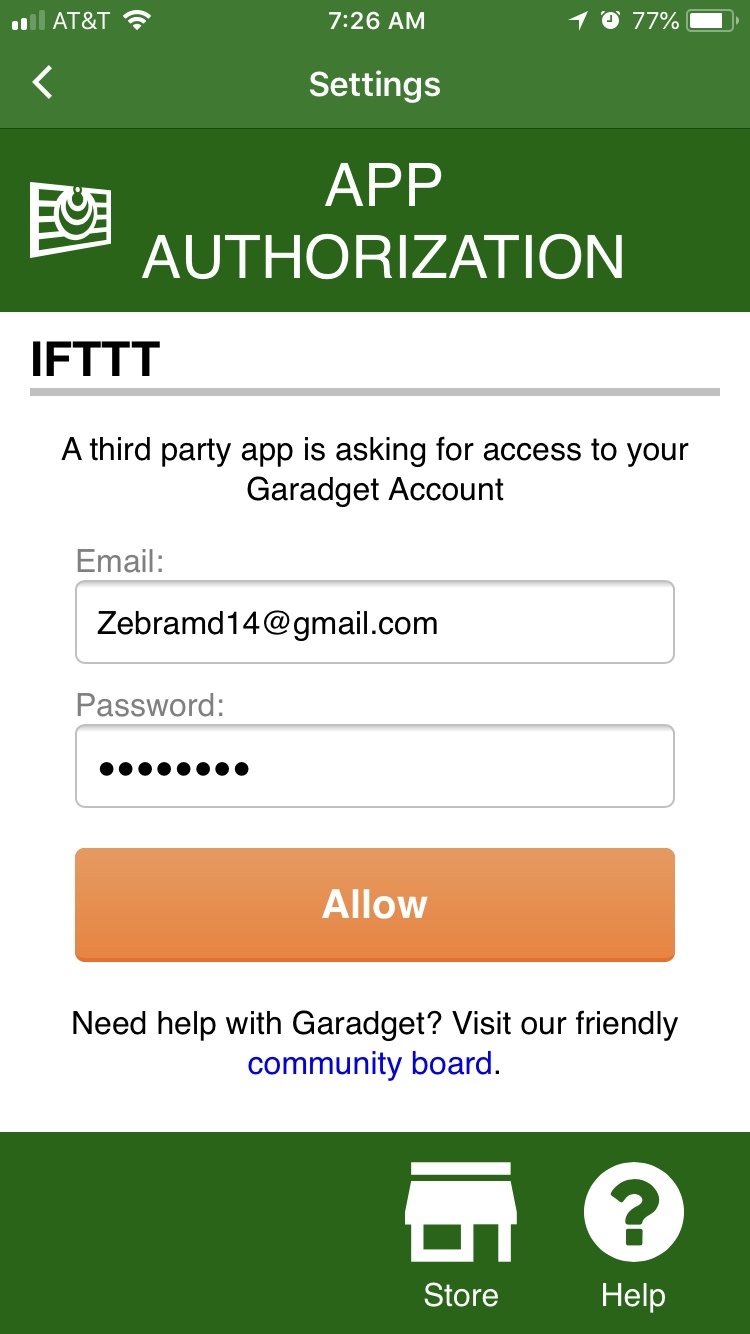
Ok I went there, clicked on edit connection, typed in login credentials, and it takes me back to the same screen showing account is active but have test account… advice moving forward? Do I disconnect?
---
### Author:  [@garadget](https://community.garadget.com/u/garadget)
#### Post date: [June 13, 2018, 11:05am UTC](https://community.garadget.com/t/ifttt-errors/4103/9 "2018-06-13T11:05:46Z")
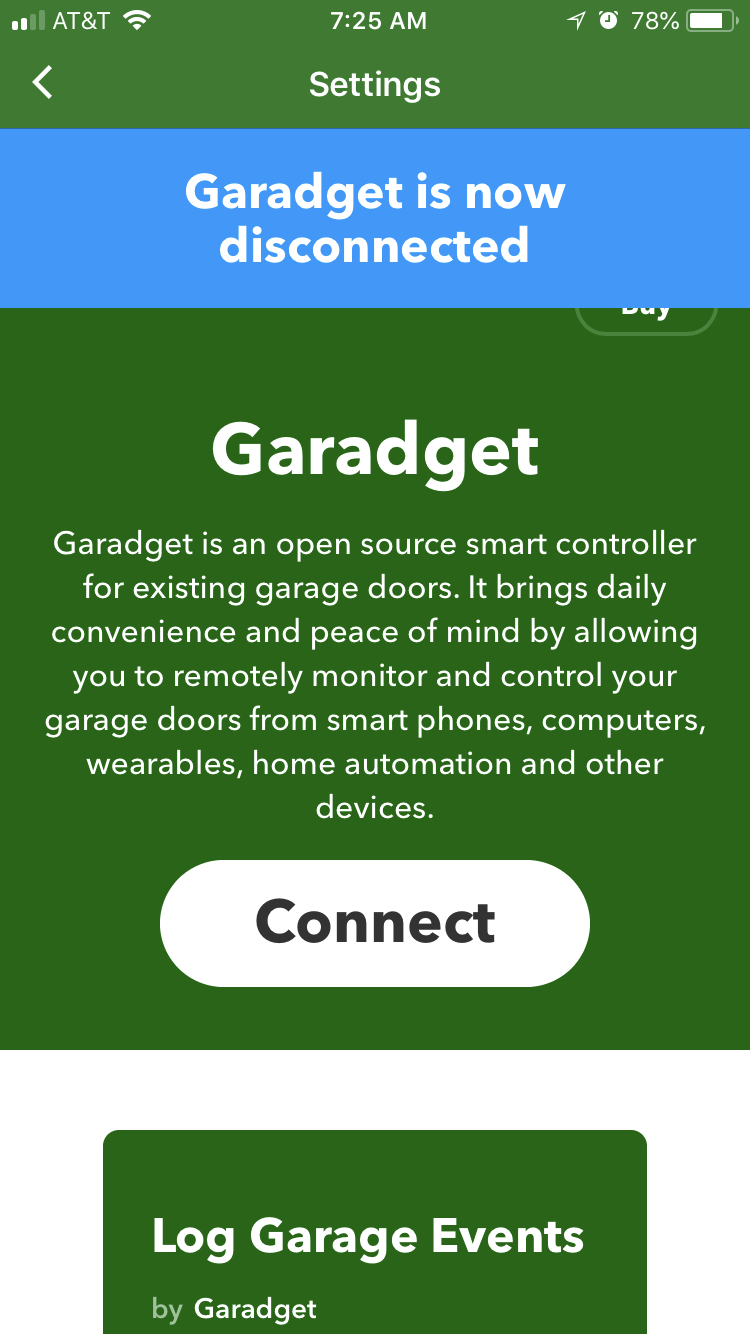
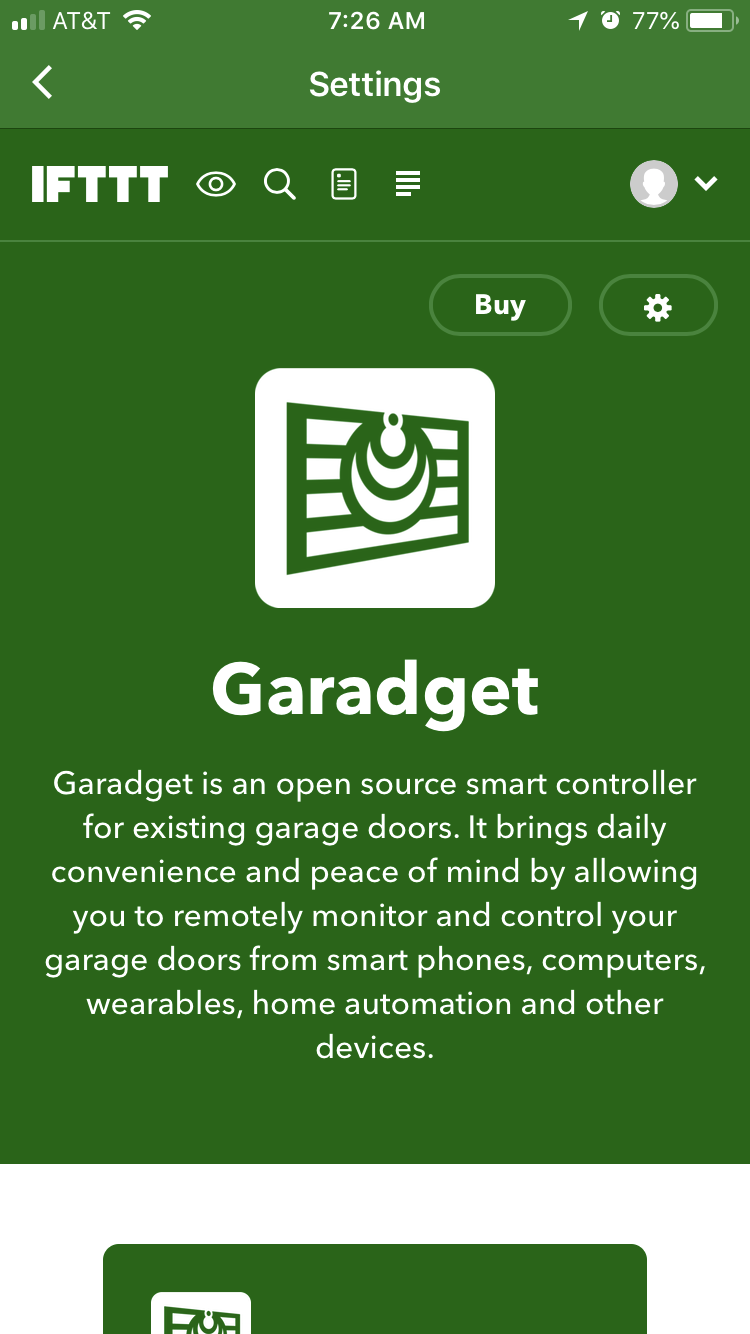
Yes, please disconnect and re-connect your account. Please take a screenshot if you receive any error messages.
---
### Author:  [@Landrover360](https://community.garadget.com/u/Landrover360)
#### Post date: [June 13, 2018, 11:31am UTC](https://community.garadget.com/t/ifttt-errors/4103/10 "2018-06-13T11:31:00Z")
Still issues. I’ll send pictures once I get to the office.
MD
---
### Author:  [@Landrover360](https://community.garadget.com/u/Landrover360)
#### Post date: [June 13, 2018, 1:14pm UTC](https://community.garadget.com/t/ifttt-errors/4103/11 "2018-06-13T13:14:43Z")
---
### Author:  [@TheMerg](https://community.garadget.com/u/TheMerg)
#### Post date: [June 13, 2018, 2:37pm UTC](https://community.garadget.com/t/ifttt-errors/4103/12 "2018-06-13T14:37:28Z")
Okay, it looks like re-authenticating did the trick for me.
Thanks,
Merg
---
### Author:  [@TheMerg](https://community.garadget.com/u/TheMerg)
#### Post date: [June 15, 2018, 12:47pm UTC](https://community.garadget.com/t/ifttt-errors/4103/13 "2018-06-15T12:47:00Z")
So, it seems that I am still having a slight issue with the applet for opening the garage upon arrival. Here is a screenshot of the error:
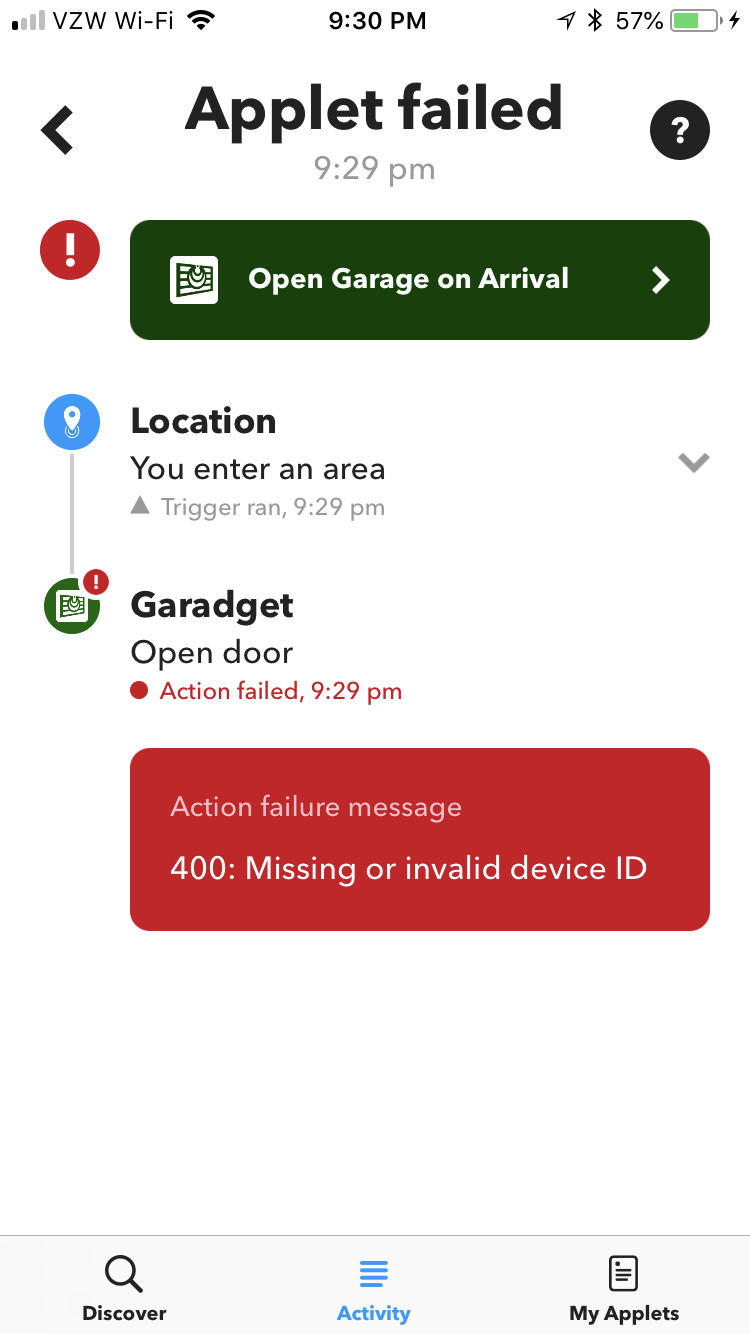
When I go into the settings for the applet, it appears that the location is reset to a default of somewhere in San Francisco. I’ll reset to my location, but then I still get the error.
Thanks,
Merg
---
### Author:  [@garadget](https://community.garadget.com/u/garadget)
#### Post date: [June 15, 2018, 4:01pm UTC](https://community.garadget.com/t/ifttt-errors/4103/14 "2018-06-15T16:01:06Z")
@TheMerg,
Do you experience the same issue with both the IFTTT app and their web?
The location trigger in your apple is IFTTT’s feature, we can try and troubleshoot it with you but ultimately it’s under their management.
---
### Author:  [@TheMerg](https://community.garadget.com/u/TheMerg)
#### Post date: [June 16, 2018, 11:00pm UTC](https://community.garadget.com/t/ifttt-errors/4103/15 "2018-06-16T23:00:39Z")
Okay, I went in via the web and the location was set back to San Fran. I updated it to my address (Northern VA) and saved it. I went back in and verified that it was still showing as my address. I then used the iOS IFTTT app and went to the settings for the Applet and it was still set for my address. I’ll keep trying to remember to check it to figure out when the address is reverting.
Any other thoughts for now?
Thanks,
Merg
---
### Author:  [@garadget](https://community.garadget.com/u/garadget)
#### Post date: [June 16, 2018, 11:23pm UTC](https://community.garadget.com/t/ifttt-errors/4103/16 "2018-06-16T23:23:33Z")
I would guess that the location reverts to default when the account is re-authorized. Don’t see why that would make sense, but it’s probably the trigger.
Garadget’s IFTTT authentication code was switched from 90 day tokens to non-expiring tokens some time ago so hopefully this was the last time you needed to re-authorize.
---
### Author:  [@TheMerg](https://community.garadget.com/u/TheMerg)
#### Post date: [June 17, 2018, 12:59am UTC](https://community.garadget.com/t/ifttt-errors/4103/17 "2018-06-17T00:59:24Z")
Hopefully… I’ll see what happens tomorrow when I come back from being out.
- Merg
---
### Author:  [@ke4roh](https://community.garadget.com/u/ke4roh)
#### Post date: [March 8, 2019, 2:44pm UTC](https://community.garadget.com/t/ifttt-errors/4103/18 "2019-03-08T14:44:07Z")
Mine recently failed, too, and I got it working again about 90 days ago after the previous problem. I wish I didn’t have to re-auth IFTTT every quarter. (I wonder if this is related to the mobile app sometimes prompting me for credentials…)
---
### Author:  [@ssilverman](https://community.garadget.com/u/ssilverman)
#### Post date: [March 26, 2019, 2:30pm UTC](https://community.garadget.com/t/ifttt-errors/4103/19 "2019-03-26T14:30:00Z")
That is strange. I am using IFTTT on an iPhone without issues. I used the Garaga skill to allow me to Open and Close my garage door from my Apple Watch (Series 3). The best thing is that I do not have to have my iPhone with me to open and close the door.
What model smart phone are you using ?